

Powerful banking right in your pocket.


What's in the App?


Schedule and maintain payments when you sign up for Bill Pay.3

Move money from one Great Southern account to another.4

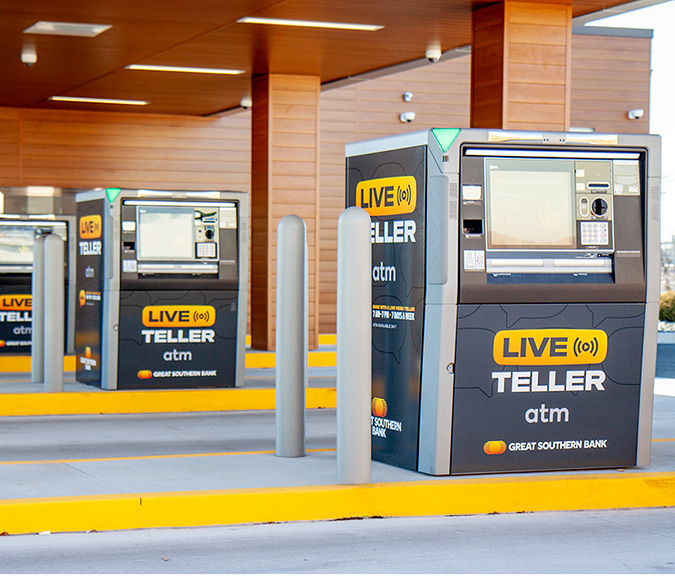
Find Great Southern Banking Centers and ATMs nearest you, along with hours and contact information.5

Access, download or print your statements and other documents whenever you like.
1. Must be a registered Online Banking customer to utilize the App's full capabilities. To register for Great Southern Online Banking, visit https://www.GreatSouthernBank.com/enroll.
2. Customers must first set up their Great Southern Mobile Check Deposit and Text Banking services through the Mobile Banking App prior to having access to these services.
3. Customers must first set up Bill Pay accounts within the Bill Pay tab in Online Banking, or by using the Great Southern Secure Mail Message Center in Online Banking or the Great Southern Mobile Banking App prior to using these features through the Mobile Banking App.
4. Customers must first set up Transfer accounts using the Great Southern Secure Mail Message Center in Online Banking or the Great Southern Mobile Banking App prior to using these features through the Mobile Banking App.
5. This is limited to locating Great Southern banking centers and ATMs. Please refer to your carrier for any fees that may apply.
Apple, Apple Pay, the Apple logo, and iPhone are trademarks of Apple Inc., registered in the U.S. and other countries. App Store is a service mark of Apple Inc., registered in the U.S. and other countries. Requires iOS 9.3 or greater.
Google Play and the Google Play logo are trademarks of Google Inc. Requires Android OS Version 4.0 or greater.
Google Pay is a trademark of Google LLC. Android, Google Pay, and the Google Logo are trademarks of Google LLC.
Samsung and Samsung Pay are registered trademarks of Samsung Electronics Co., Ltd.